AI Photo Culling, Organization, and Enhancement Guides
Practical workflows for culling large shoots, organizing thousands of photos, and enhancing or restoring the keepers worth sharing.
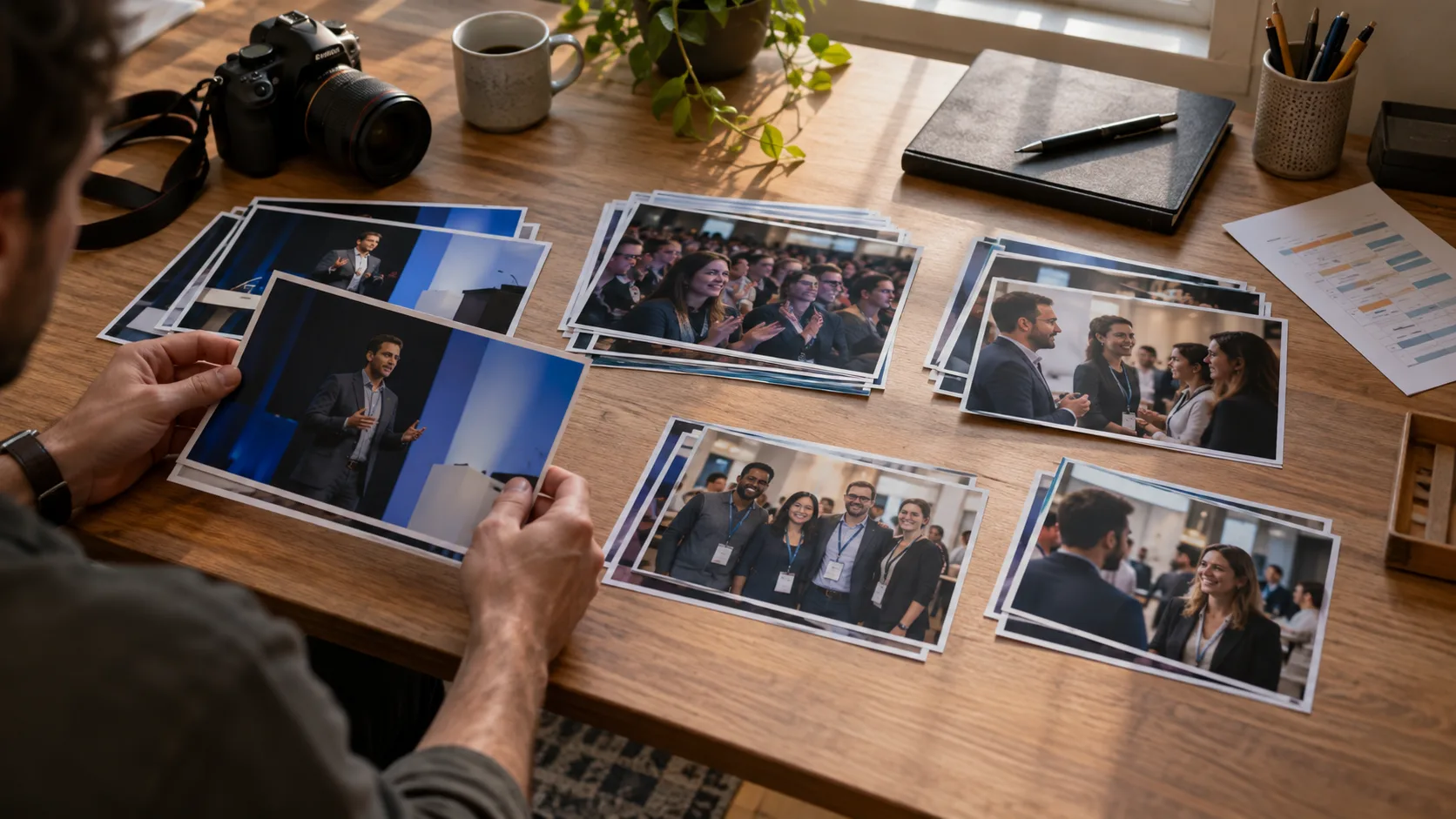
How to Cull Corporate Event Photos for a Complete Recap
Cull corporate event photos by agenda and delivery purpose. Select speakers, audience, groups, sponsors, and atmosphere without losing requested coverage.
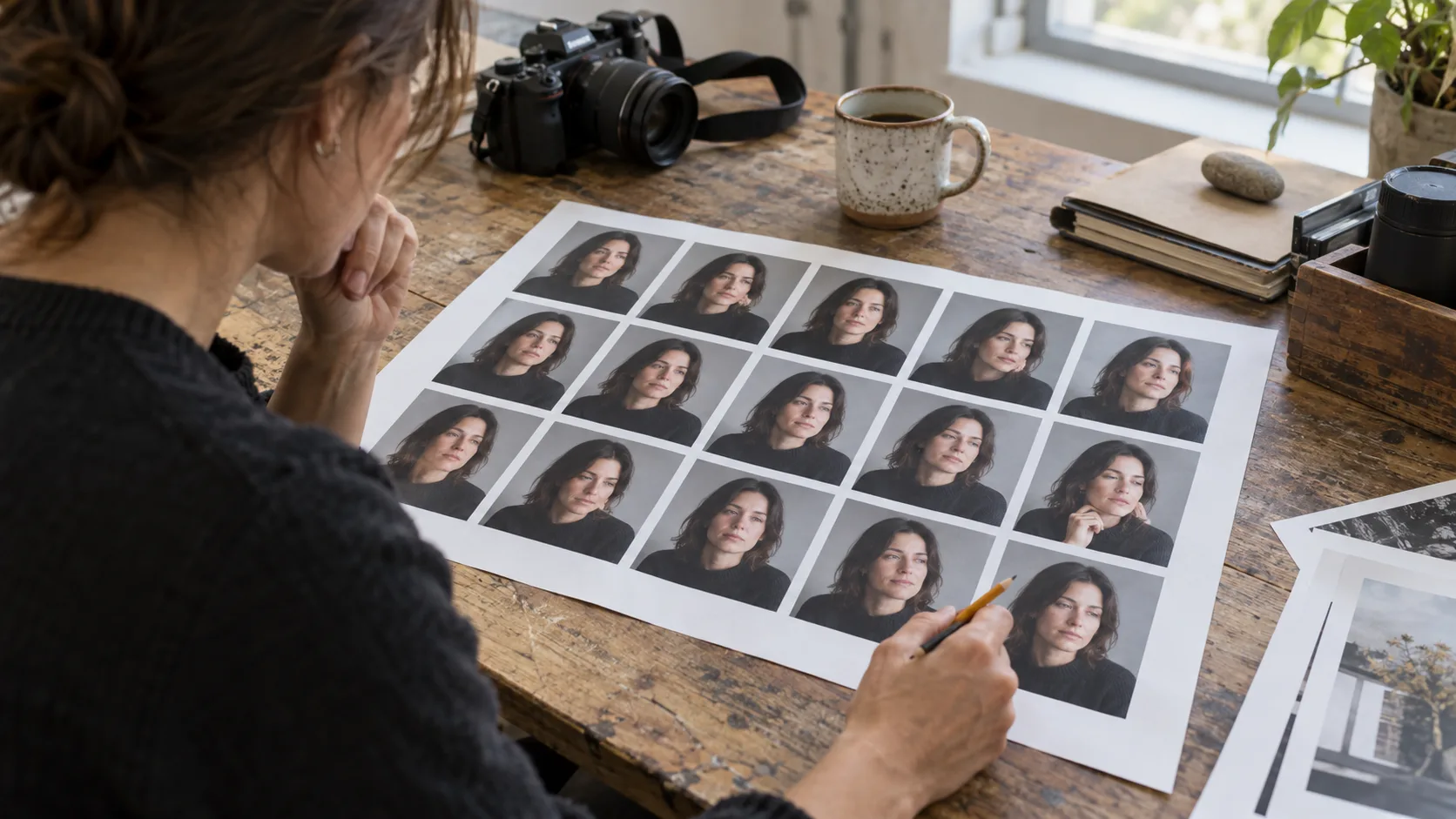
How to Cull Portrait Photos Without Losing the Best Expression
Learn how to cull portrait photos by comparing expression, focus, pose, and variety. Build a shortlist for editing or client proofing without deleting originals.
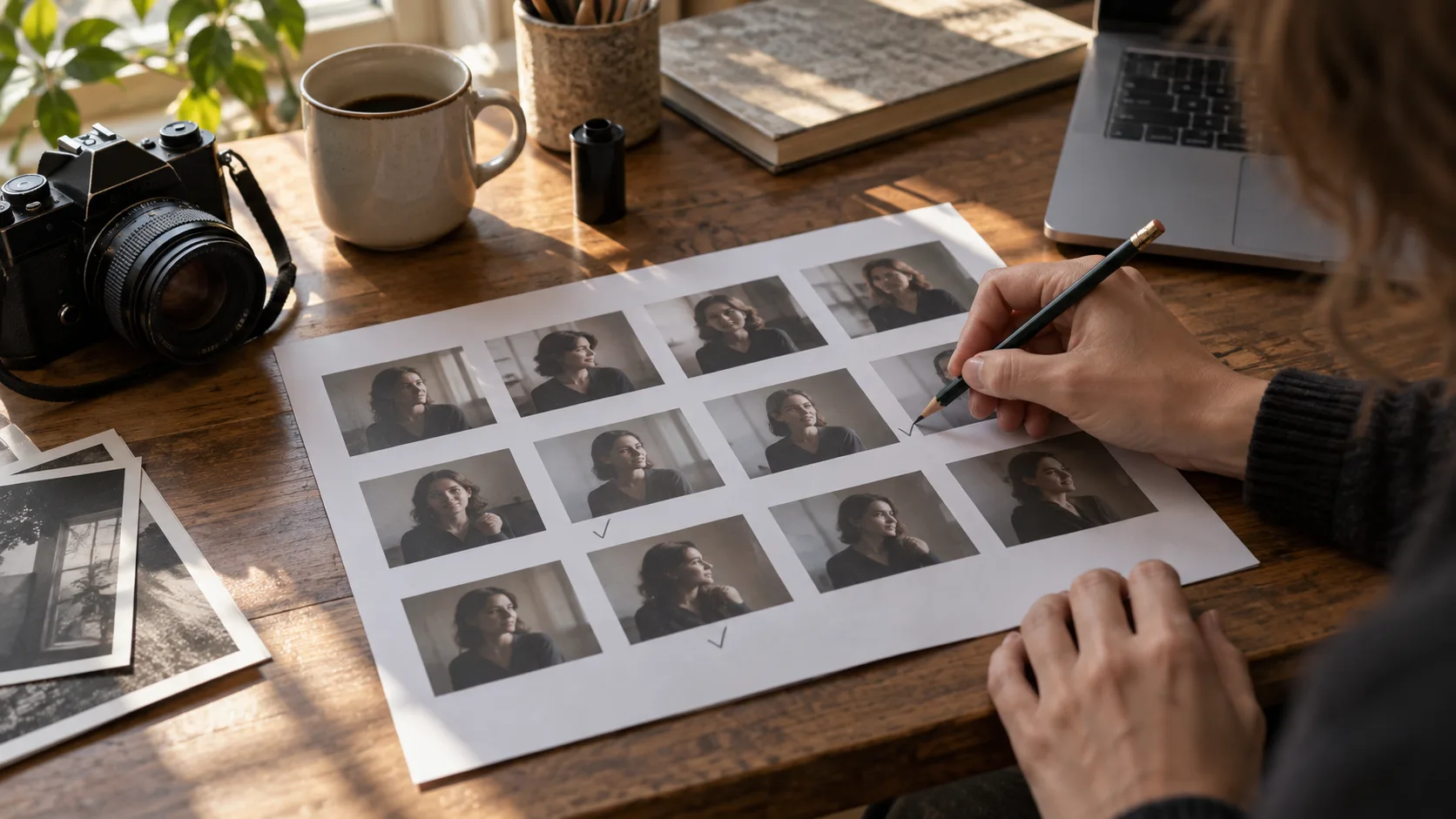
Culling in Lightroom: a fast, reversible workflow (with Assisted Culling)
How to cull photos in Lightroom Classic: settings that reduce lag, a two-pass flag workflow, shortcuts, and how Assisted Culling works. Plus an AI first pass.
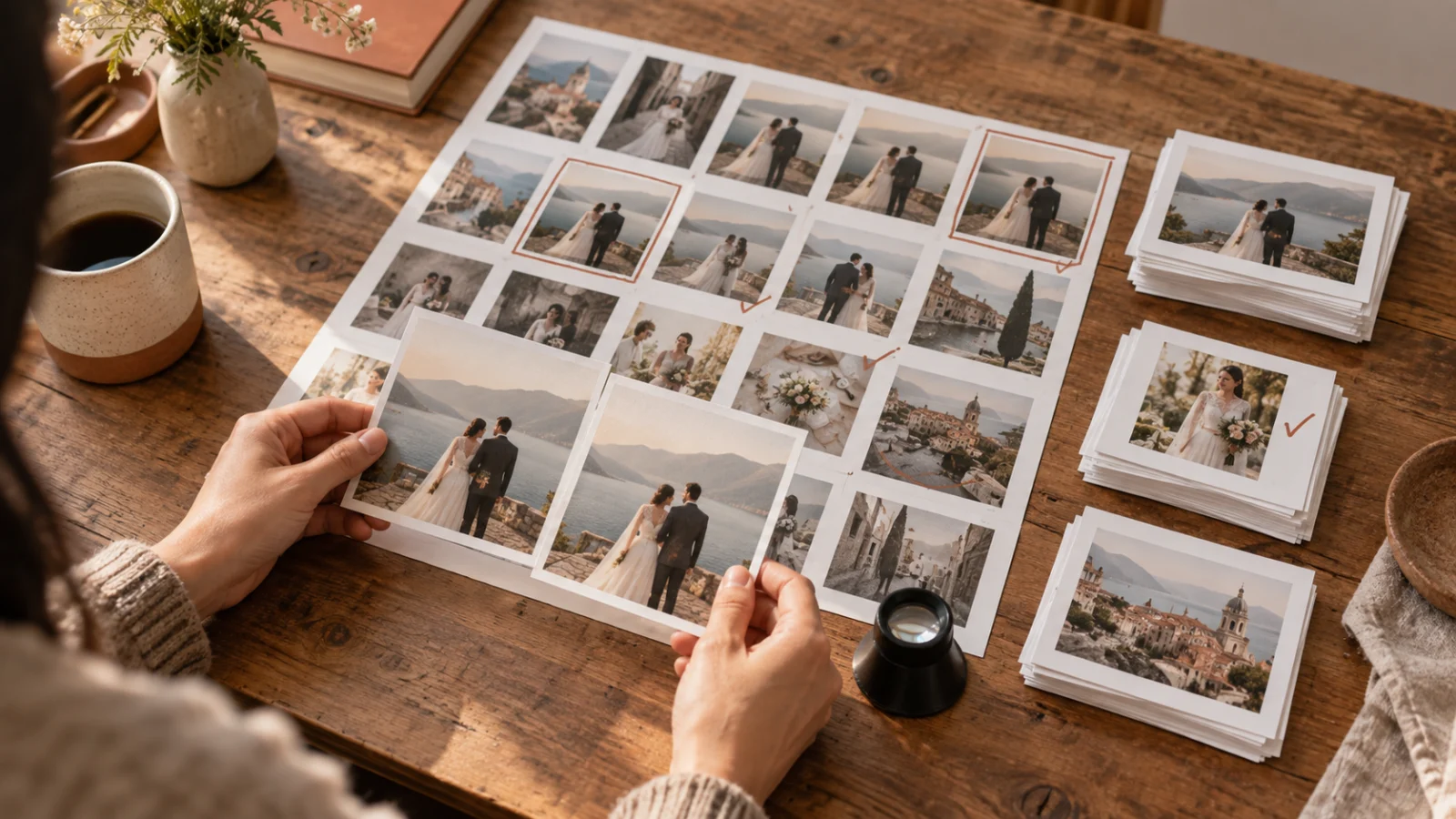
What is culling in photography? A plain definition with examples
Culling in photography means choosing which frames to keep before you edit. Get a plain definition, a worked example, key terms, and where AI can help.
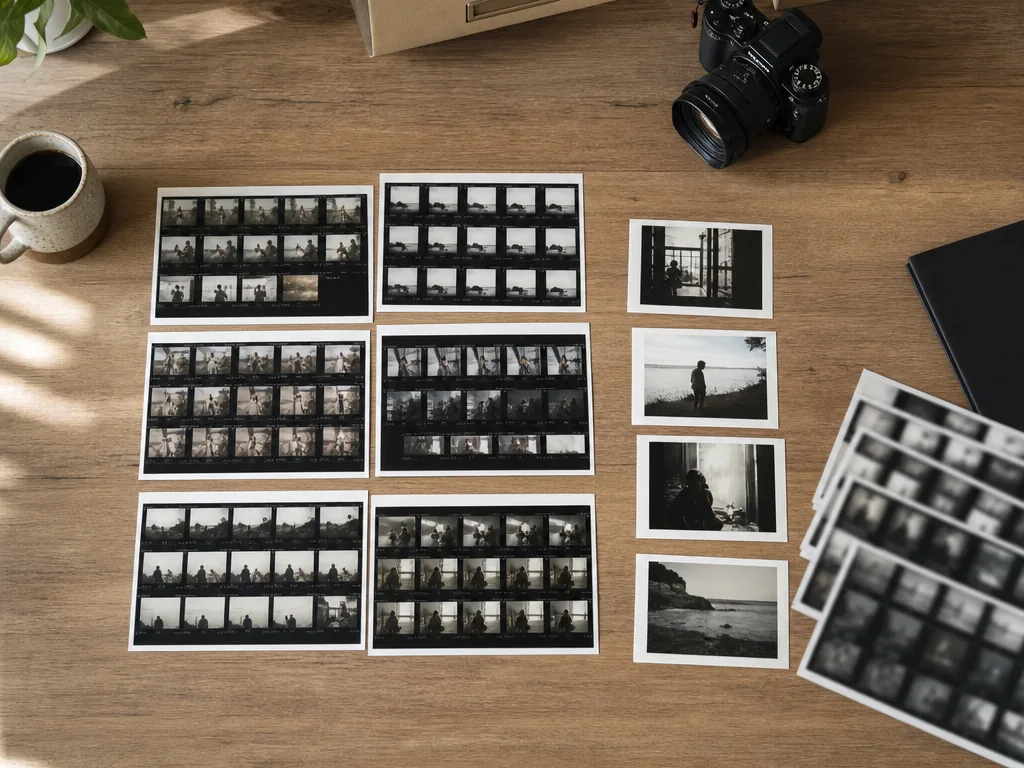
Cull Photos Faster Without Losing the Best Moments
Learn how to cull photos faster with AI grouping, blur checks, quick comparisons, and a keep-first workflow for travel, family, and client galleries.
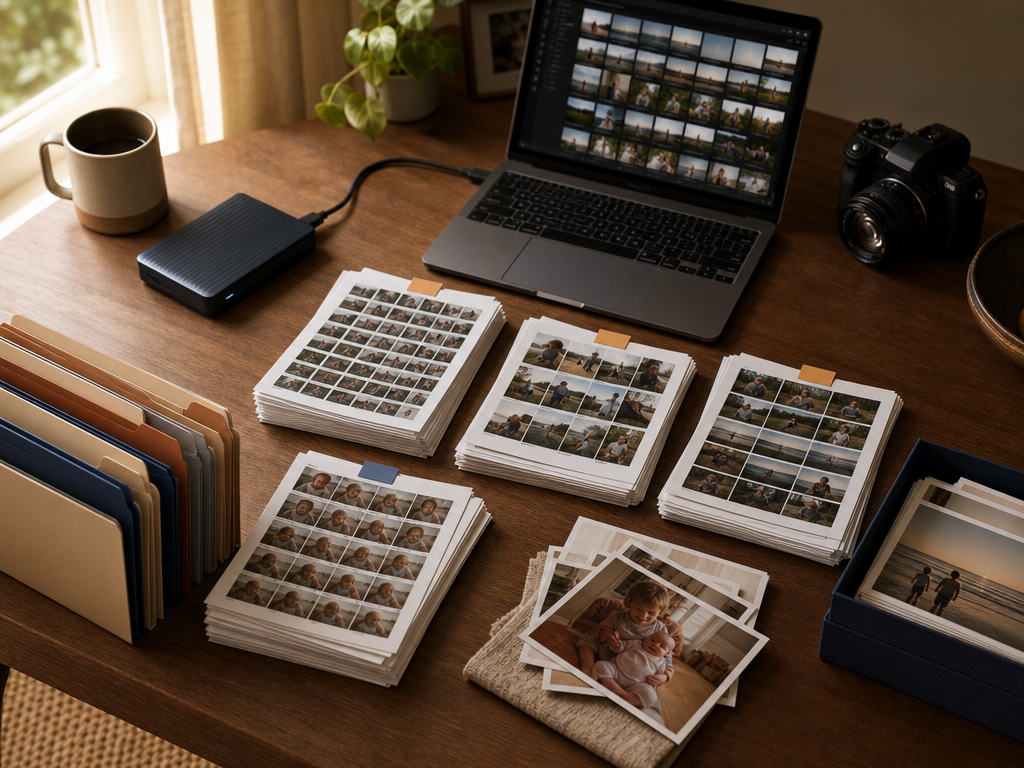
How to Organize Thousands of Photos Without Burning Out
How to organize thousands of photos without burning out: apply a 3-2-1 backup, sort into YYYY/YYYY-MM-DD_Event folders, use AI burst grouping to cull duplicates, and archive keepers.
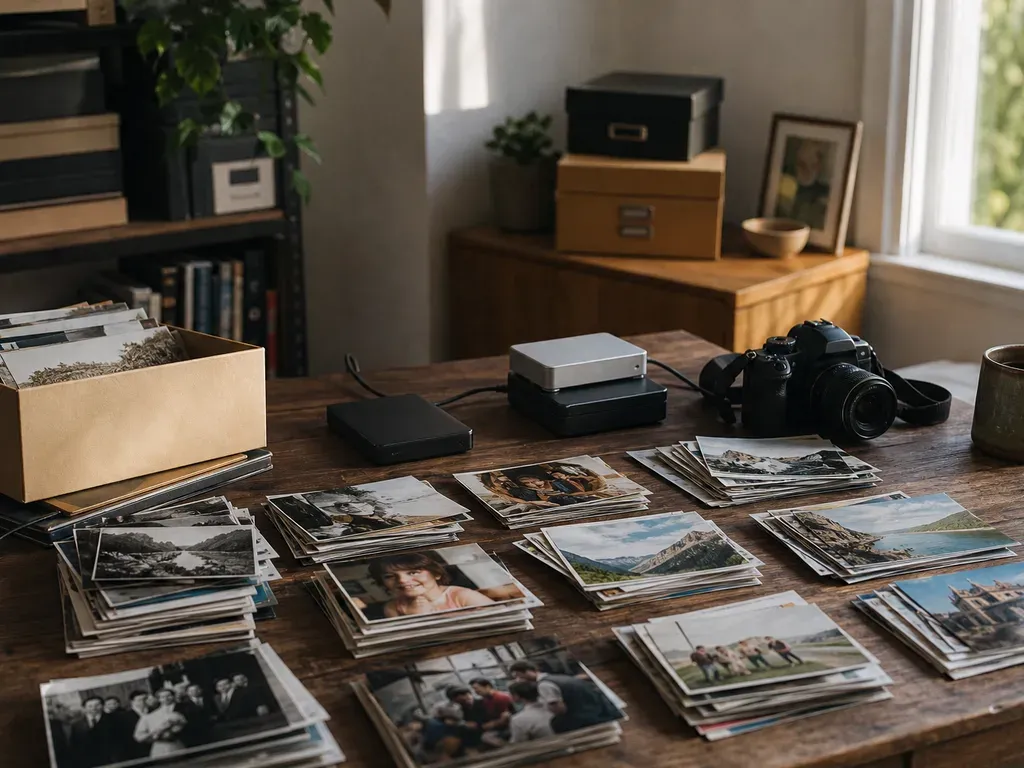
What to Do With Thousands of Digital Photos: A 4-Step Triage System
Overwhelmed by thousands of digital photos? Use this 4-step non-destructive workflow—backup, batch by event, AI similarity grouping, and keeper export—to clean up your backlog.
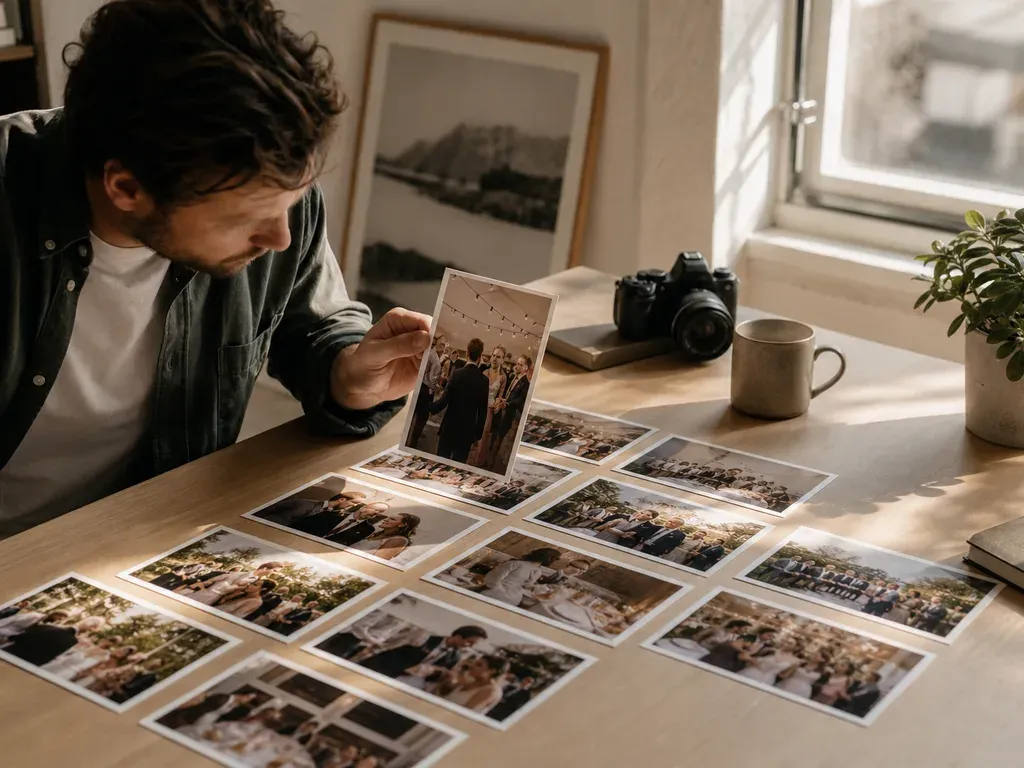
AI batch photo editing: test a sample before scaling up
Plan AI batch editing: group photos by the required change, test samples, review inconsistent outputs, and check credits before expanding.
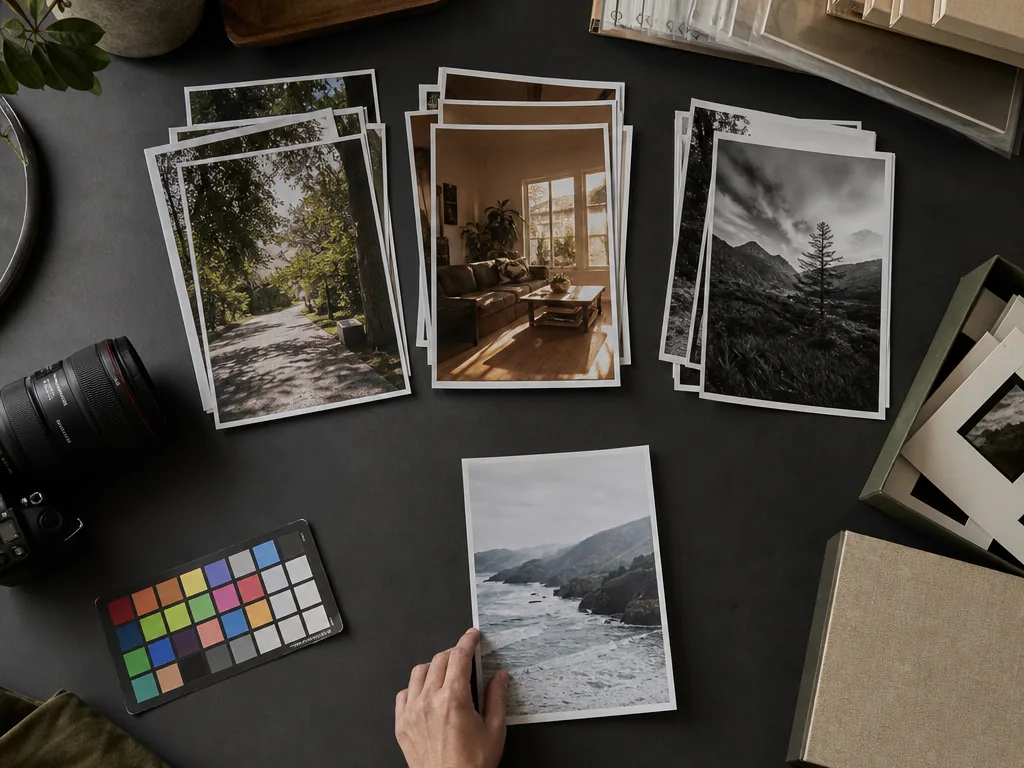
Batch photo editing: sync settings, review exceptions, export
Group photos for shared exposure, white balance or resize settings. Test representative files and exceptions before applying a batch operation.
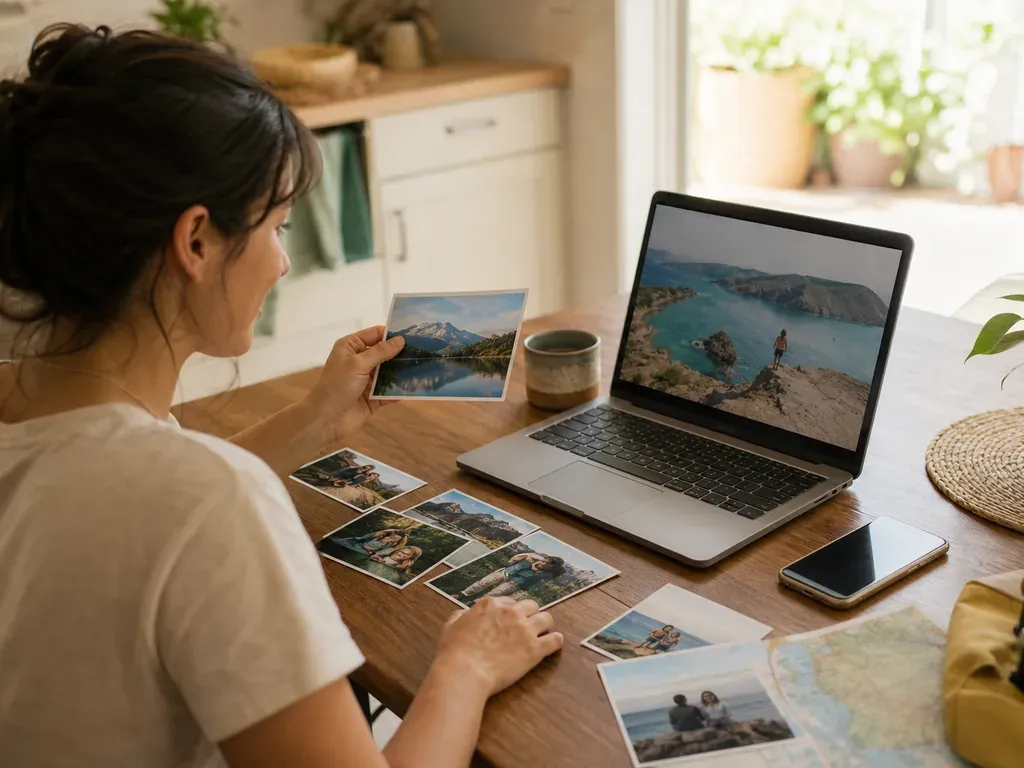
Trying an online AI photo editor for free: what to check
Test one photo, check the current trial allowance and inspect downloads before paying. Free access may have credit, output or download limits.
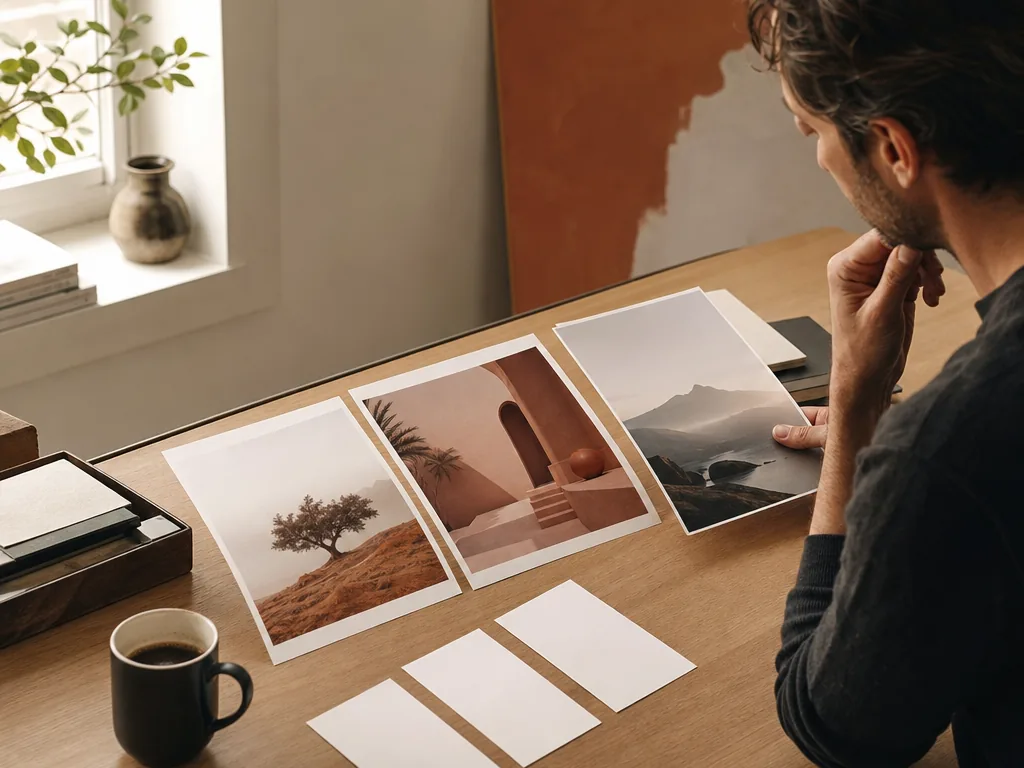
Text-to-image AI trials: check what the free allowance covers
Compare the listed text-to-image tools by trial access, credits and download rules. Verify the current account allowance before treating a tool as free.
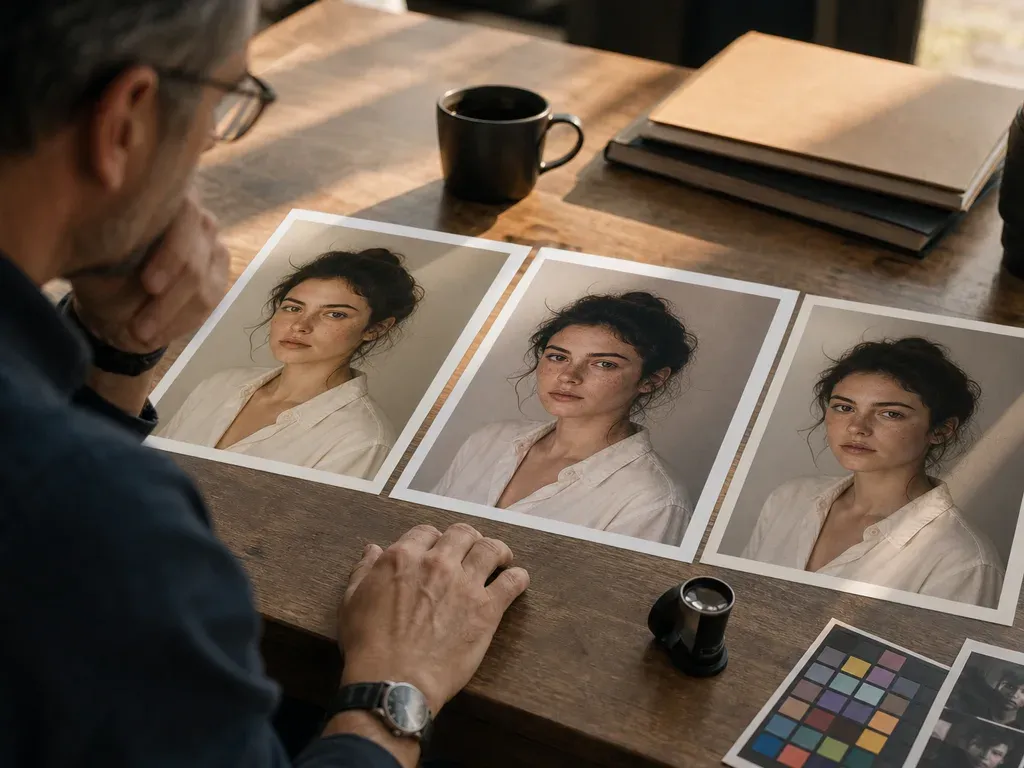
AI photo editing tools compared by the job you need done
Compare the listed tools by editing task, workflow and limits. This is an editorial comparison, not a same-photo quality or speed ranking.
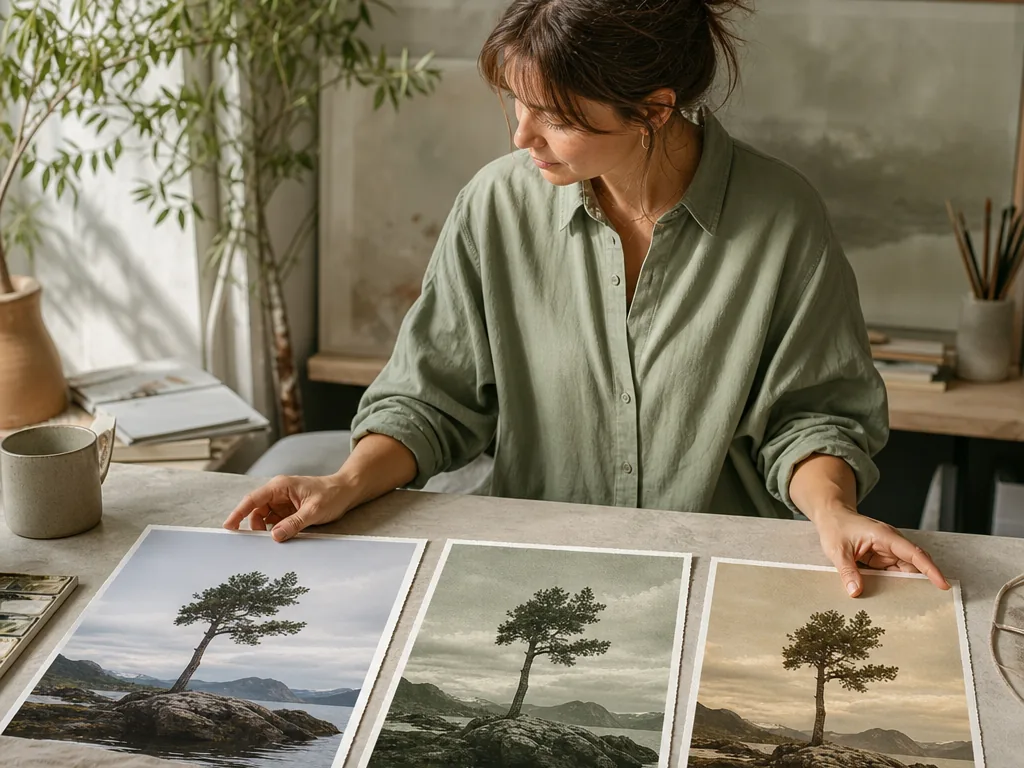
Generate New Images from an Existing Photo
Learn how to generate AI images from an existing image using clear source photos, prompts, and practical variation workflows.
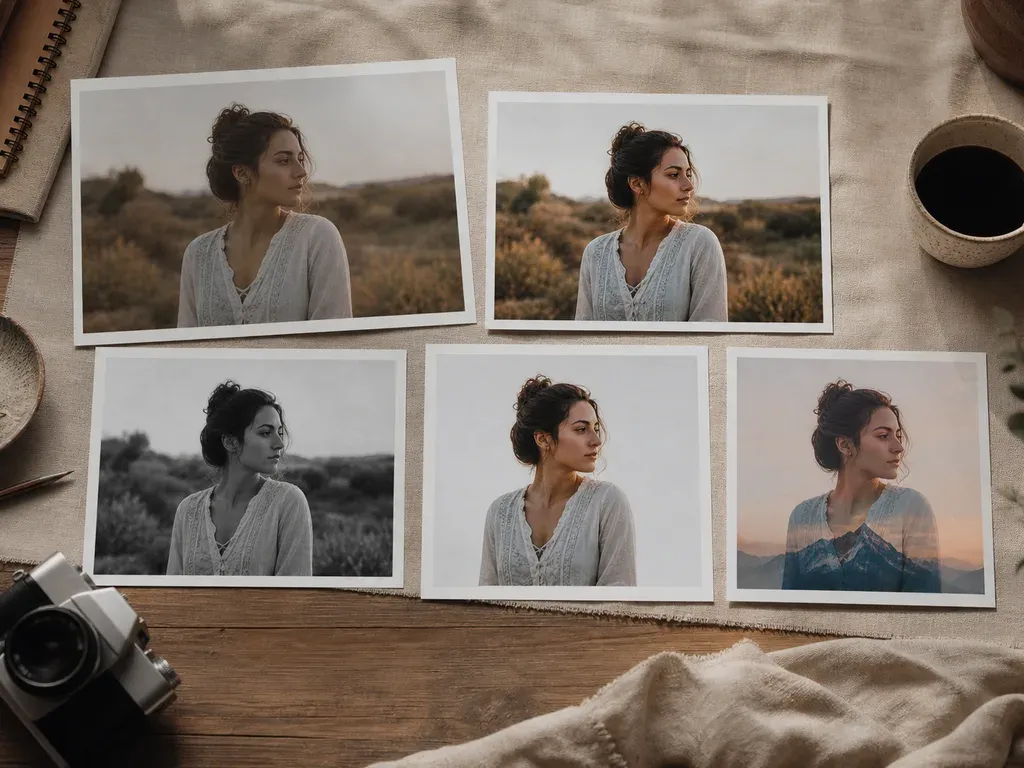
A task map for AI photo editing tools
Find the type of tool for selection, enhancement, restoration, background work or generation, then follow the guide for that specific task.
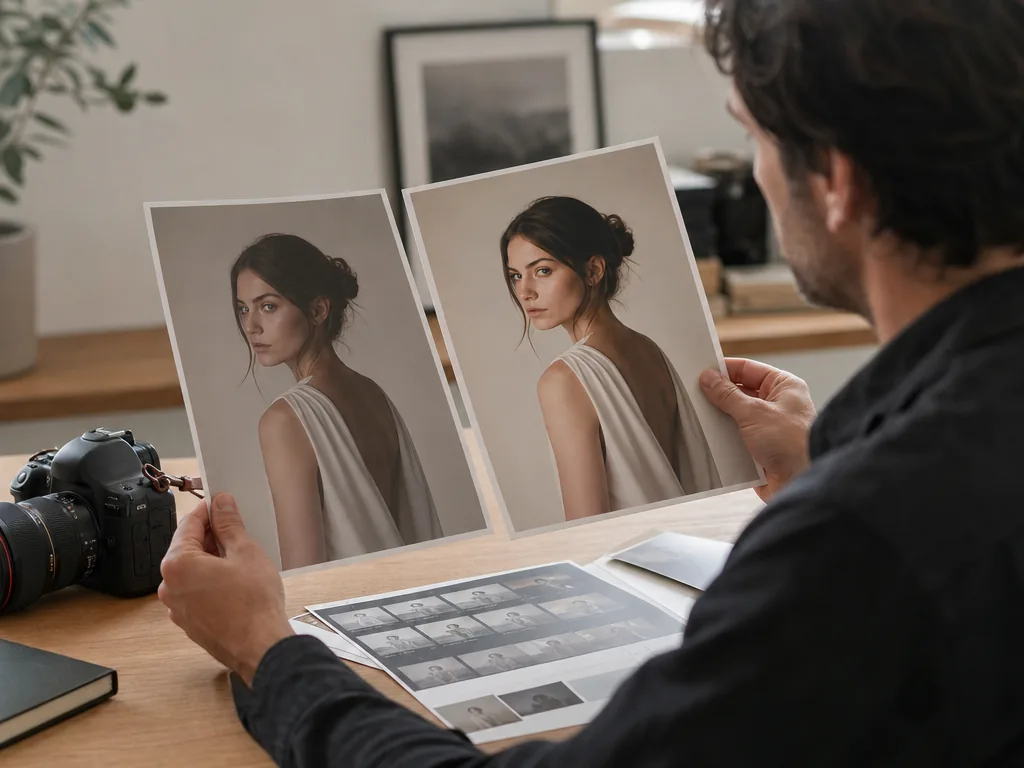
How to Edit Images with AI: A Practical Workflow From Selection to Final Export
Learn how to edit images with AI: choose a source photo, match the tool to the task, compare the result with the original, and save a usable version.
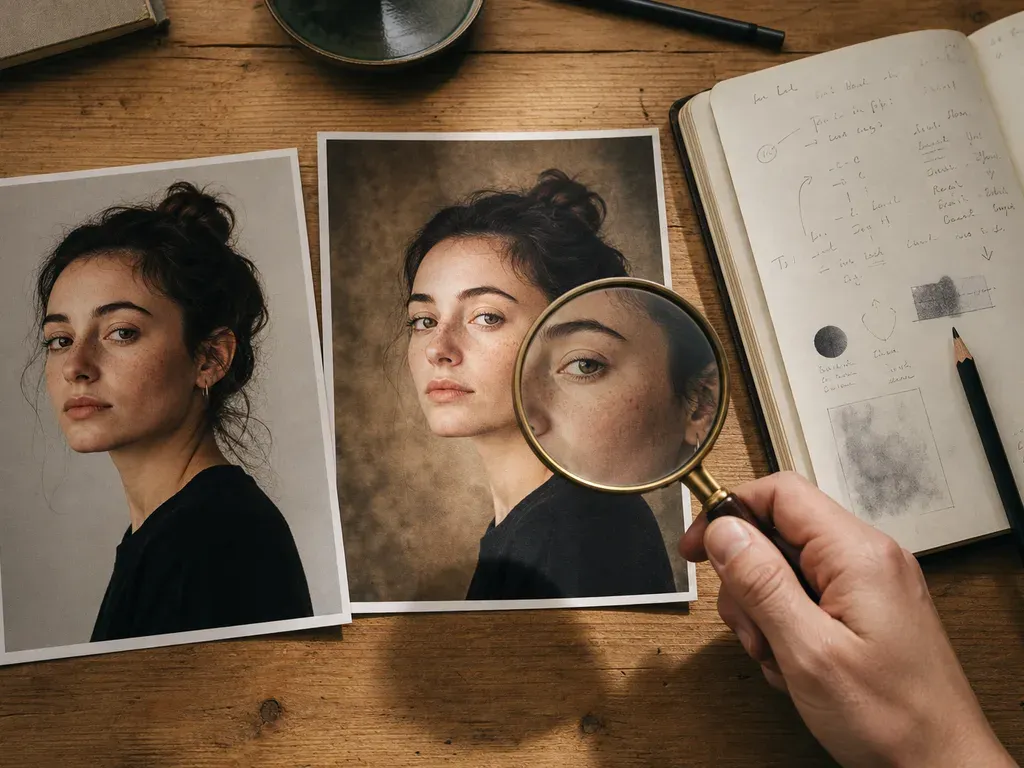
How to write an AI image editing prompt
Describe one change, name what must stay the same, and inspect the result against the source. Includes editing prompts and tools to check for your workflow.
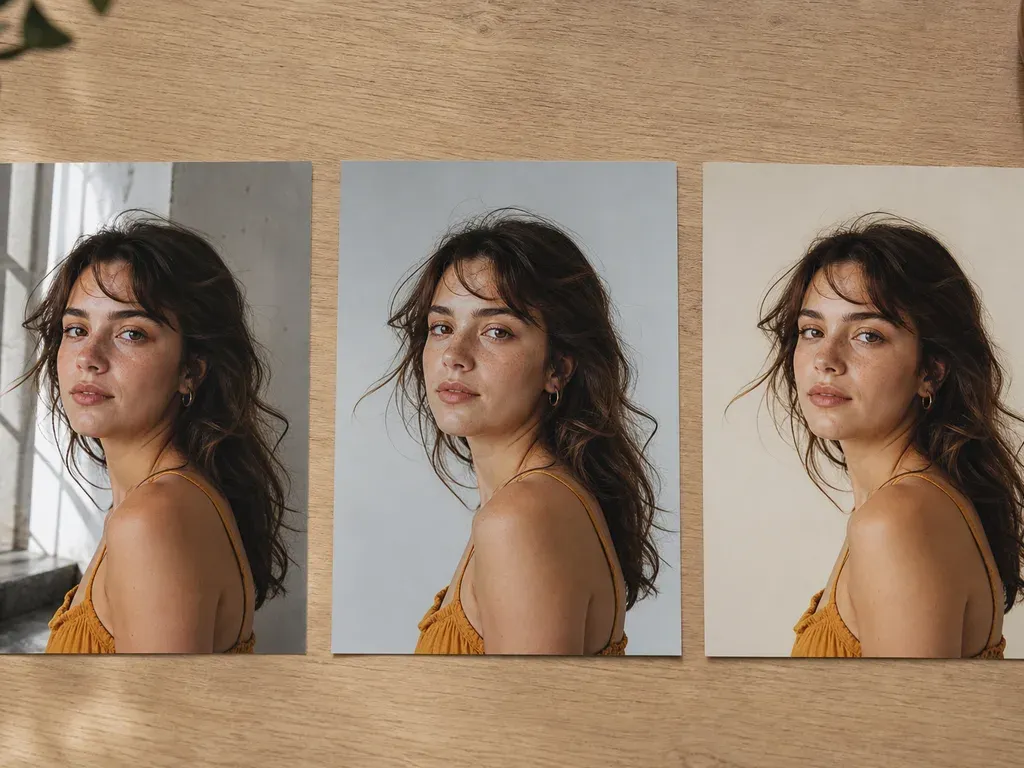
AI Image Editor: Transform a Reference Image Into New Variants
Edit a reference image with an AI prompt. Change the background, lighting, or style, then check faces and product details before saving the result.
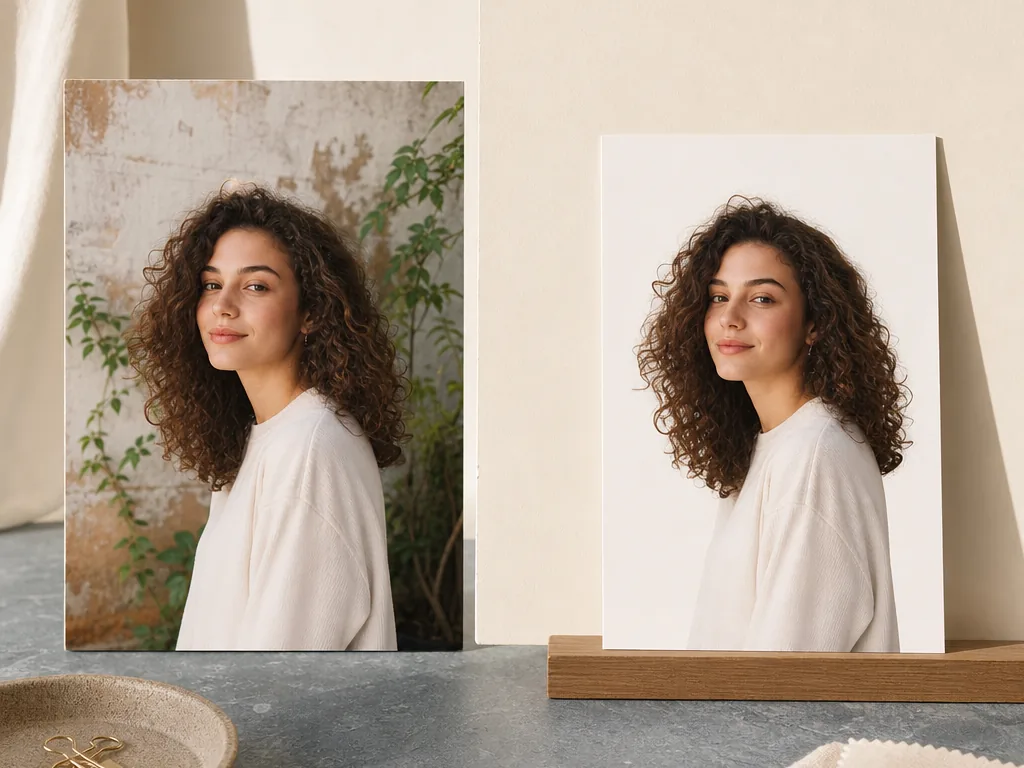
Remove a Photo Background for Cleaner Visuals
Learn how to remove photo backgrounds with AI for product images, portraits, thumbnails, listings, and clean visual assets.
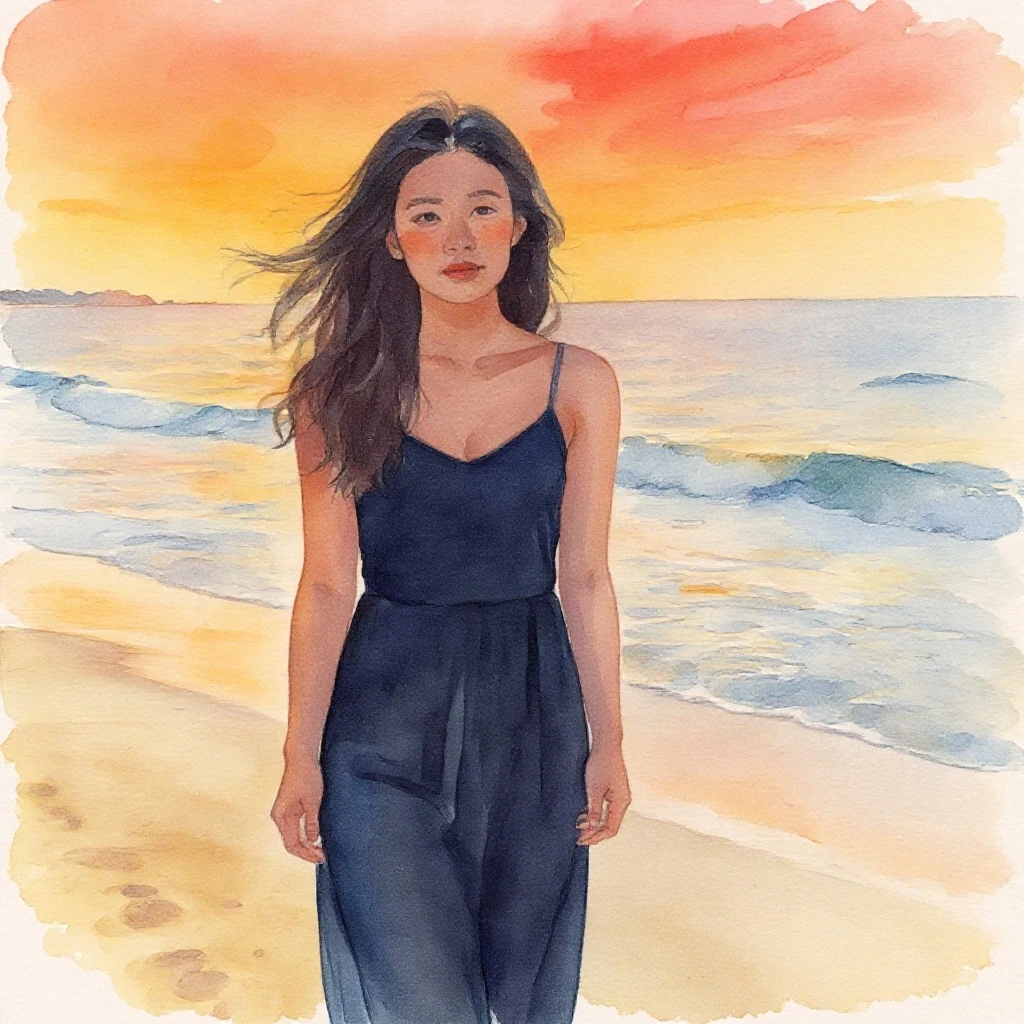
AI Image Generator for Prompts, References, and Photo Workflows
Generate images from text prompts or reference photos. Learn how to describe a scene, compare variations, and check details before using the result.
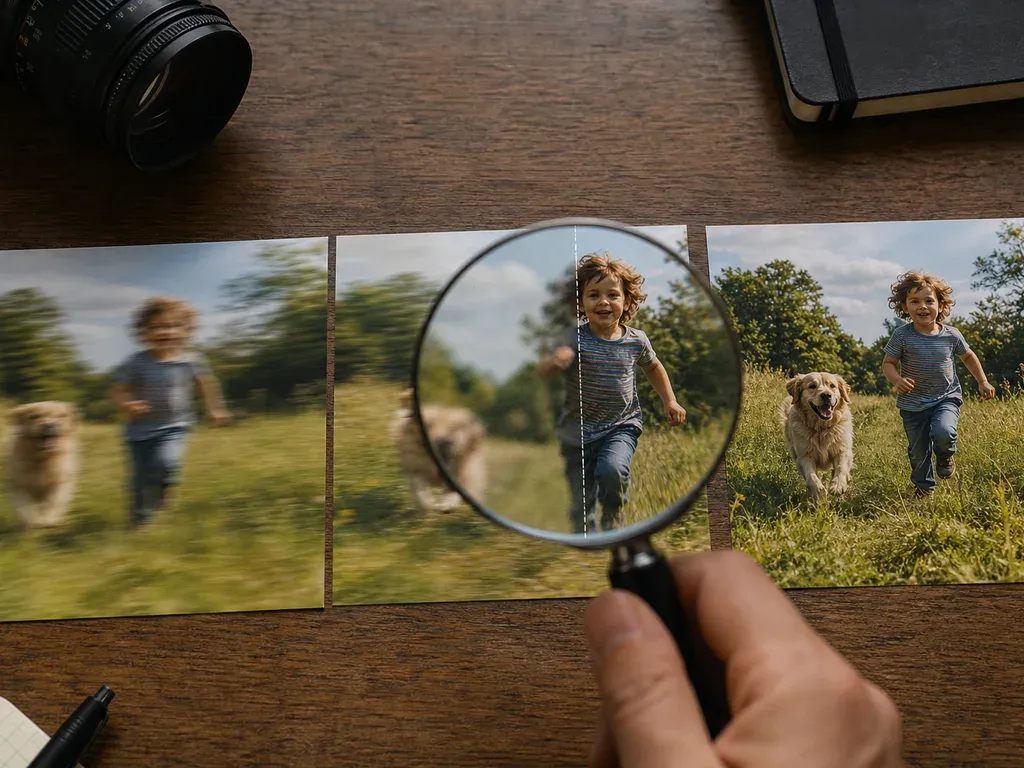
Fix Blurry Photos with AI When Detail Still Exists
Learn how to fix blurry photos with AI enhancement, when deblurring works best, and why selecting the best source image matters.
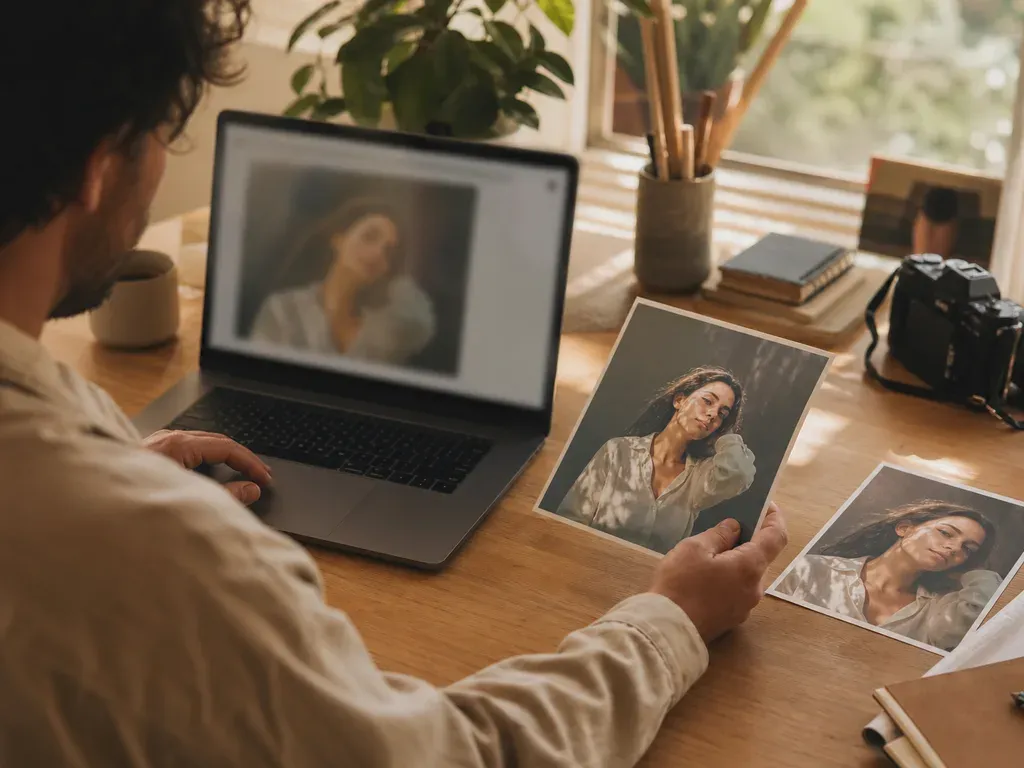
AI Photo Editor Online for Selected Photos and Creative Edits
Edit photos online with MomentSift. Upscale, restore, remove backgrounds, or use image-to-image prompts to create a new version.
AI Background Changer for Photos You Actually Want to Use
Change photo backgrounds with AI after selecting the best image. Use MomentSift for background edits, enhancement, and image-to-image variants.
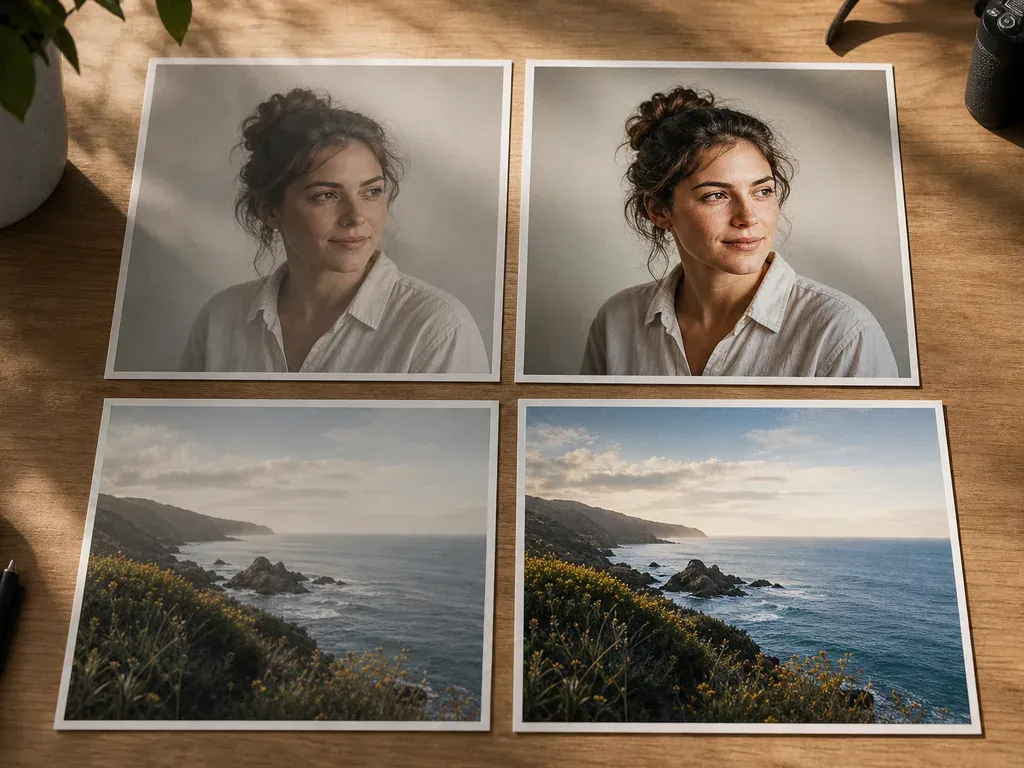
AI Photo Enhancer for Sharper, Cleaner Keeper Photos
Enhance selected photos with AI. Improve clarity, faces, lighting, detail, resolution, old photos, and keeper images after culling.
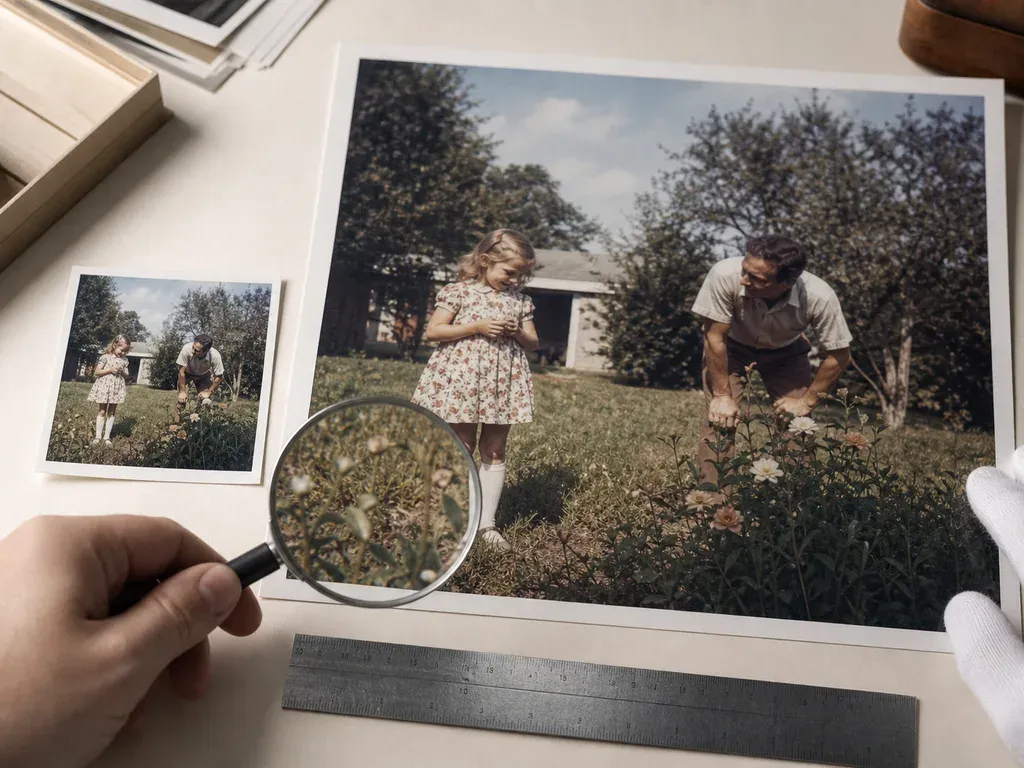
Upscale Images with AI for Bigger, Cleaner Results
Upscale images with AI to increase photo resolution for sharper sharing, printing, product visuals, presentations, and archives.
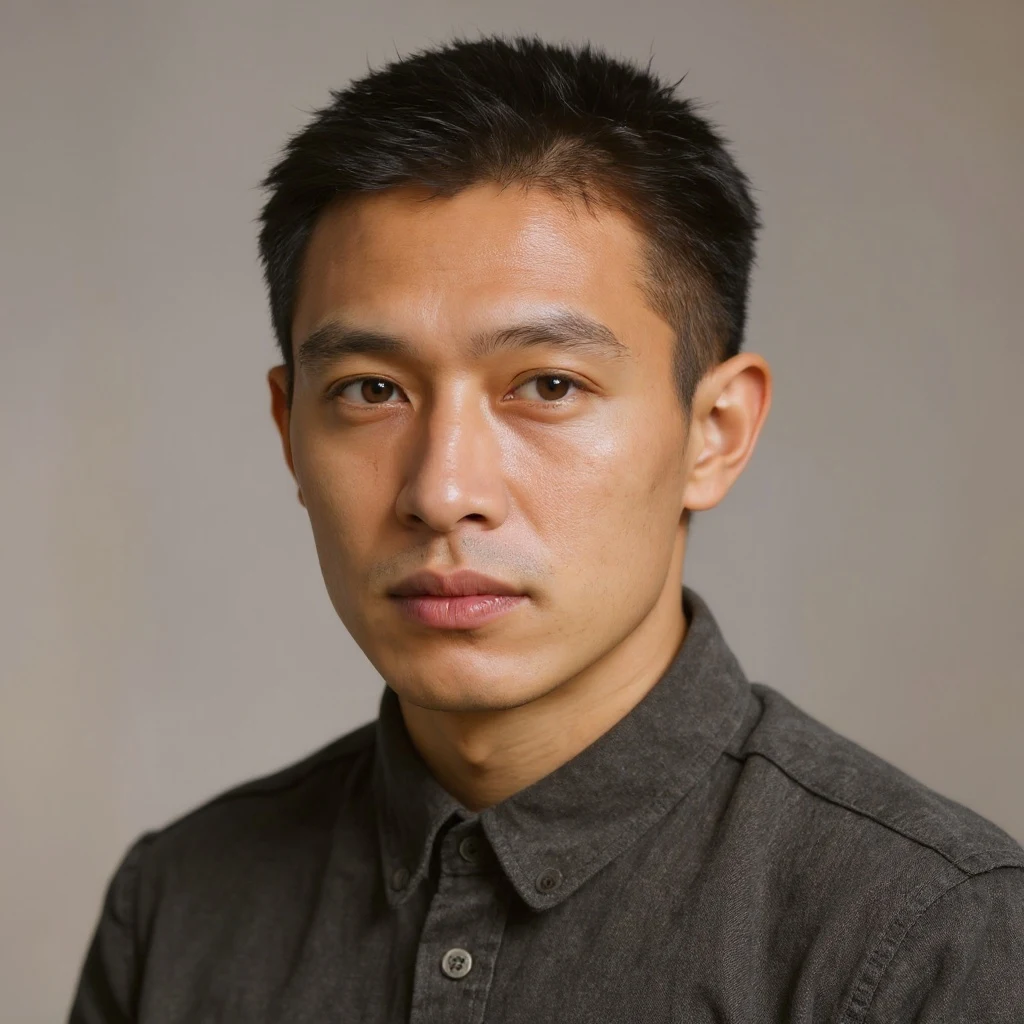
Restore Old Photos and Keep Family Memories Alive
Restore old family photos with AI. Improve faded, blurry, scratched, or low-resolution pictures for sharing, printing, and preserving.
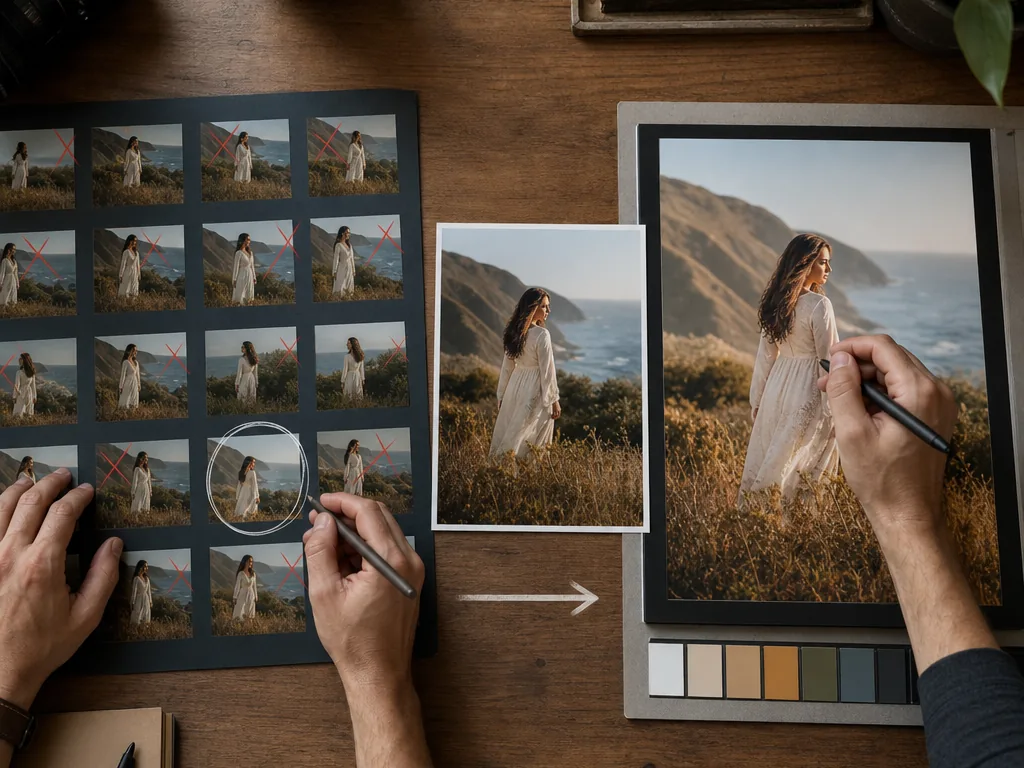
Photo Culling vs Photo Editing: What Comes First?
Learn the difference between photo culling and photo editing, why culling comes first, and how to build a faster photo workflow.
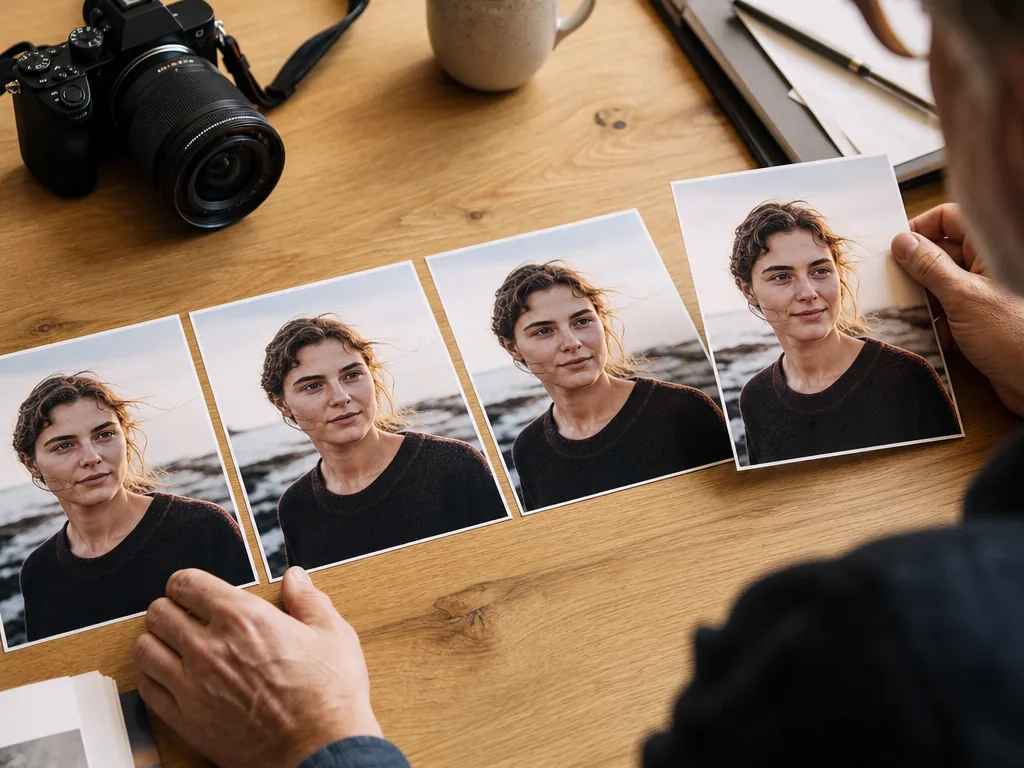
How to Choose the Best Photos From Similar Shots
Learn how to choose the best photo from similar shots by comparing expression, story, sharpness, exposure, composition, and useful AI review signals.
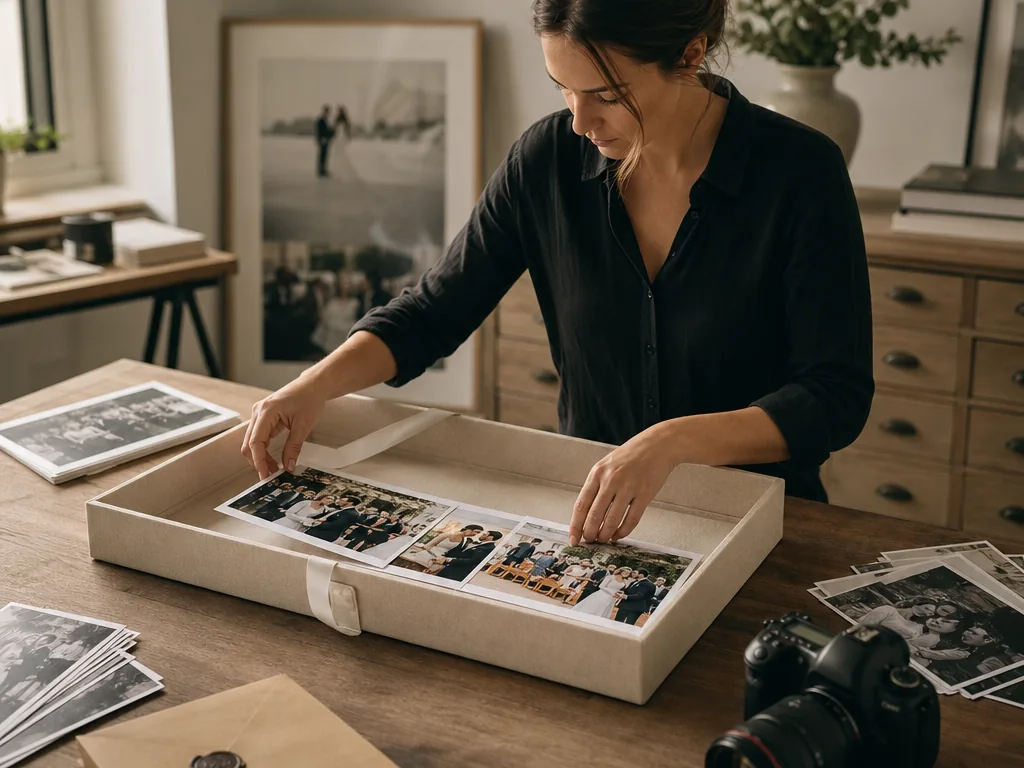
Photo Culling for Client Delivery: A Practical Workflow
Use a practical photo culling workflow before client delivery: reject technical misses, compare duplicates, protect story coverage, and edit only final keepers.